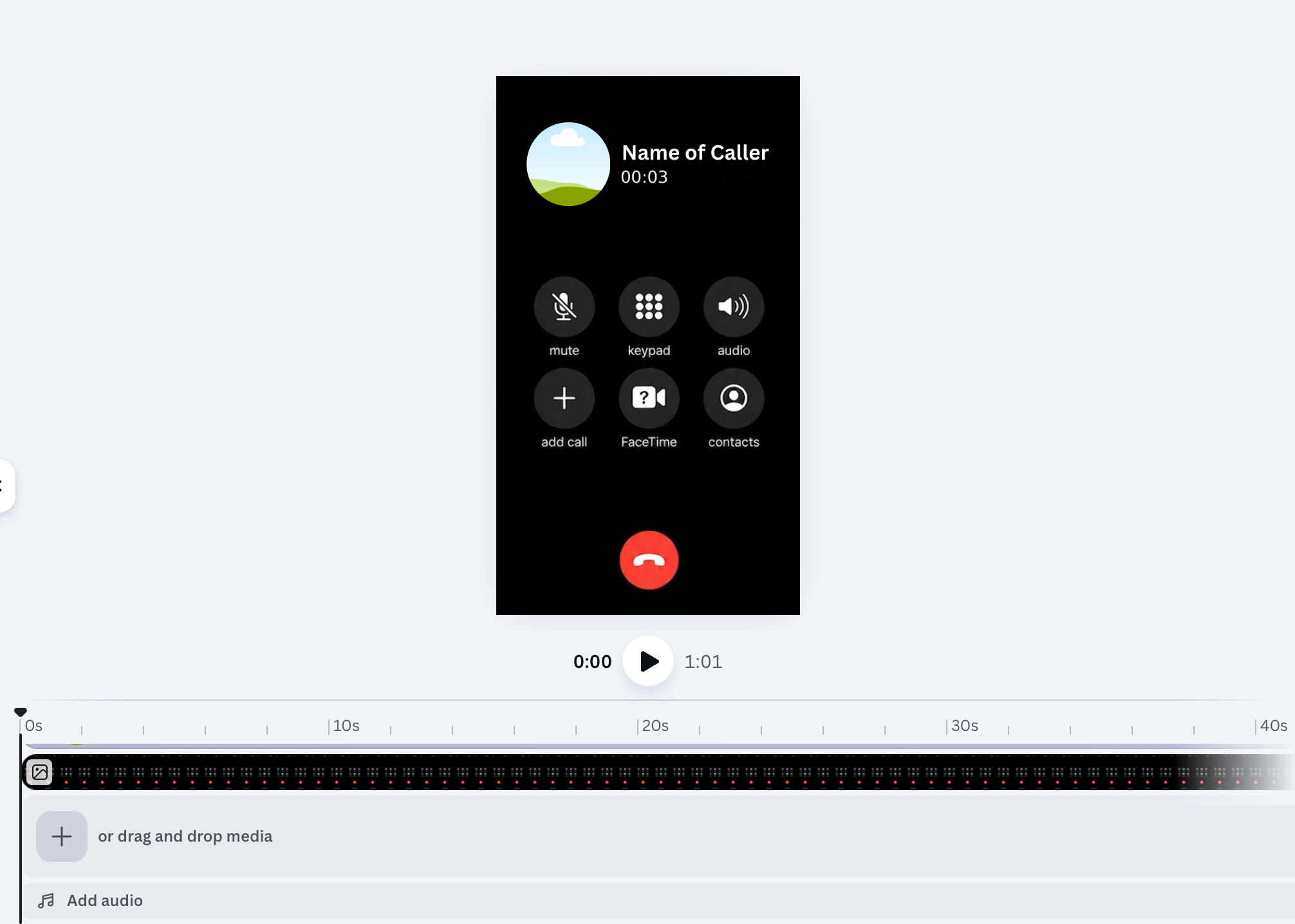
The "Call" Template
Find the Template HERE
Click BELOW and you'll be redirected to CANVA. From there, login with a Goggle account or preexisting account to access the template
Template Available HEREStep 1: Upload Your Audio
-
Open the template link.
-
On the left-side toolbar, click Uploads.
-
Click Upload files and select your chosen audio track from your device.
-
Drag your audio file onto the timeline at the bottom of the editor.
Step 2: Adjust the Video Length
-
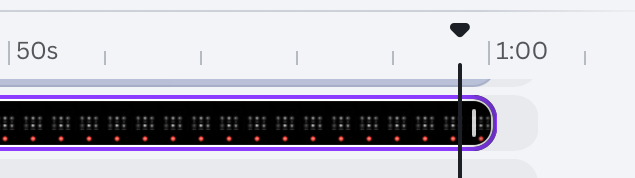
Click on the video track in the timeline at the bottom.
-
Hover your mouse over the edge of the video clip until you see the trimming handles (two white lines).
-
Drag the edge to the left or right to match the length of your audio file.
-
Pro Tip: Use the "Play" button to ensure the video ends exactly when your audio does.
Step 3: Change the Profile Picture
-
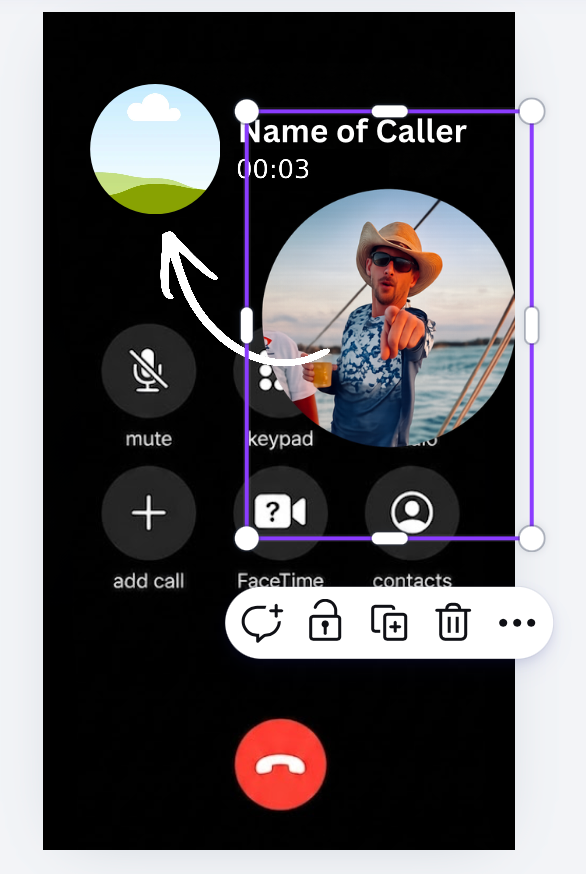
Click on the circular profile picture frame in the template.
-
Select Uploads again and upload the photo you want to use.
-
Simply drag your photo over the existing circle; it will snap into place.
-
Double-click the image if you need to adjust the crop or centering.
Step 4: Export
-
Click the Share button in the top right corner.
-
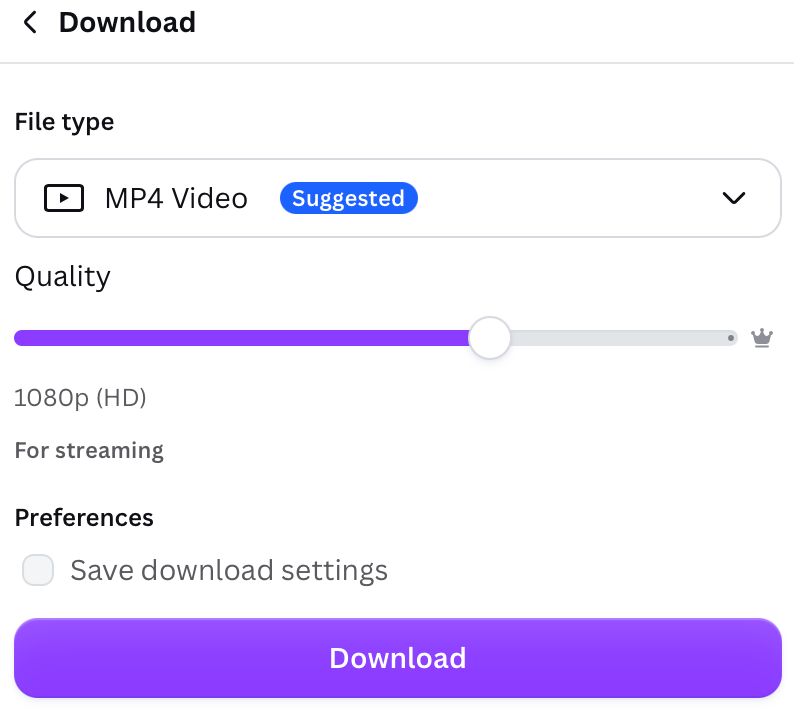
Select Download.
-
Make sure the format is set to MP4 Video.
-
Click Download and save it to your camera roll to post on TikTok/Instagram!